

To become an observer—such as a parent or guardian—to monitor a student’s progress in a platform utilizing a Canvas-backed or Gradient Learning structure (often associated with systems like Prism/Canvas setups), the student must first generate a unique pairing code from their account settings so you can link your newly created observer login.
Student Setup
- Have the student log in to their account.
- Go to Account and select Settings.
- Click the Pair with Observer button to generate a unique case-sensitive code.
- Copy or write down the code (note that it typically expires after a short time or a single use).
Observer Registration
- Navigate to your institution’s specific Prism or learning portal login page. https://prismlearning.instructure.com/login/canvas
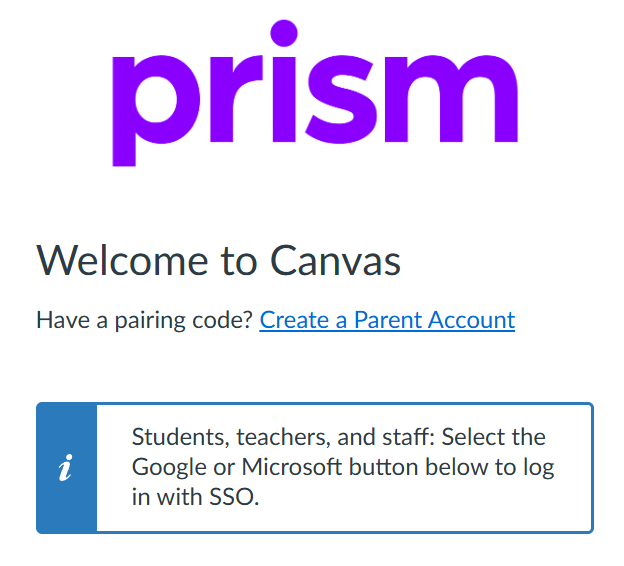
- Select the option to create a new account, choosing Parents sign up here or the equivalent observer sign-up link.
- Enter your name, email, password, and the student’s unique pairing code provided in the step above.
- Click finish or start participating to finalize the link and view your student’s dashboard.
 Pathways
Leave a comment